
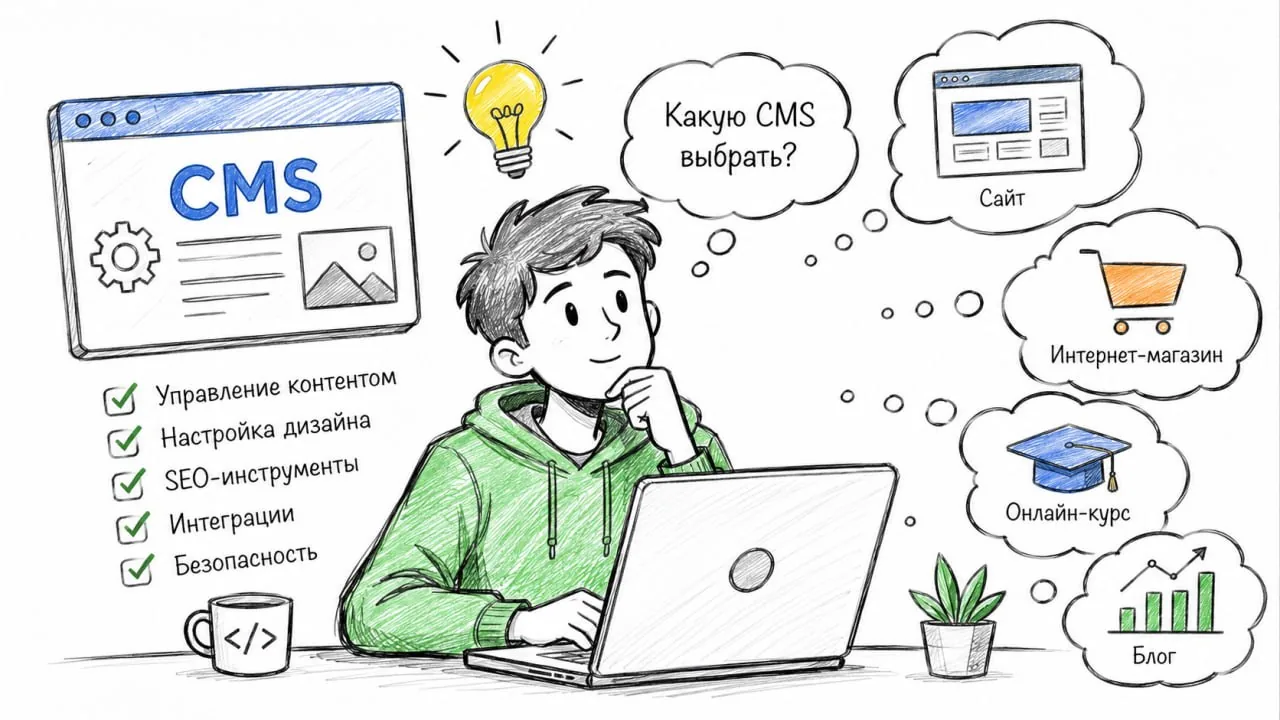
The system is not tied to a single niche. Below is how it is usually used and what to switch on for each case.
📖 Magazines and blogs
News with covers and categories, pages for sections, comments with moderation, site search. The store modules can be switched off — the menu gets shorter.
🏥 Clinics and doctors
Pages for services and specialists, appointments through a feedback form with a captcha, a "Questions" section for what patients ask most. It is worth switching on "Accessibility" separately: the audience of a medical site often needs large type and a high-contrast theme.
🎮 Gaming communities
A news feed, a slideshow with announcements, comments, a dark look from the "Themes" section. Users with roles — if you need to let editors in without giving them access to everything.
🛍️ Stores
A catalogue built on categories, payment, delivery and orders. The details are in the note "Setting up the store: payment and delivery".
🏢 Companies and services
Pages about the company, its services and contacts, a feedback form, a map on the contacts page. The simplest case: almost everything you need is already there after installation.
💡 General advice: switch off modules you don't need under "Modules". The shorter the panel menu, the faster a new colleague finds their way around.


Discussion
0Only signed-in visitors can comment. Sign in to write.
Nobody has spoken up yet. Be the first.